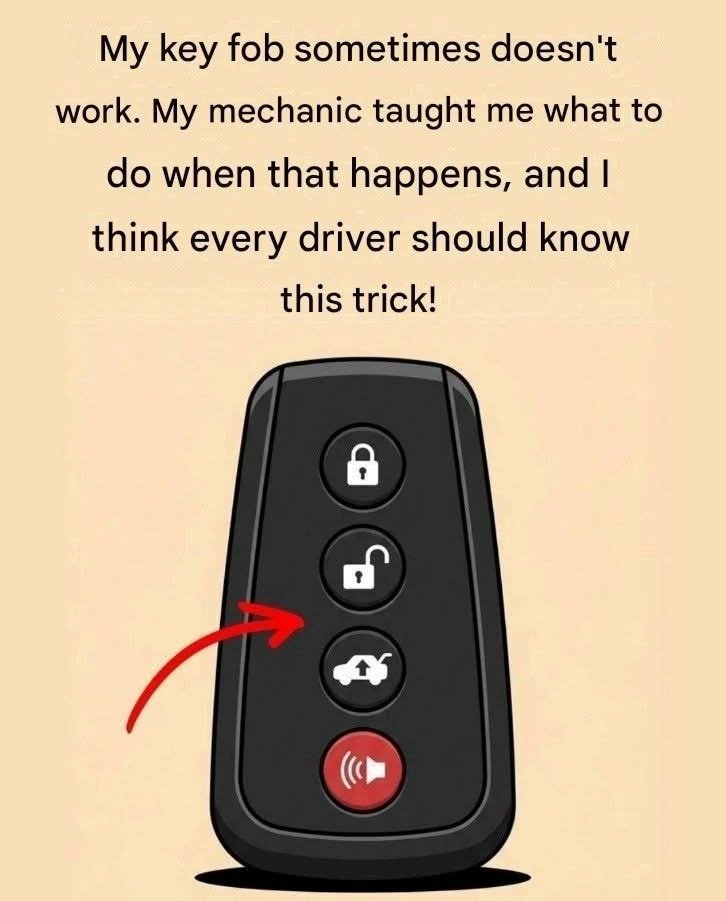

Try these hacks when your key fob stops working
When a car key fob suddenly stops unlocking your doors or starting your engine, it is rarely a permanent failure. In most cases, the issue is caused by a drained coin battery, radio signal interference, a desynchronized security chip, or dirty internal contacts. Before calling a locksmith or paying for an expensive dealership replacement, use these practical step-by-step hacks to get inside your vehicle and start the engine immediately.
1. Use the Hidden Mechanical Key Inside the Fob
Almost every modern smart key fob has a physical emergency metal key blade concealed inside its plastic housing so you can still unlock your door even when the battery is completely dead.
-
How to Release It: Look closely at the back, side, or bottom edge of your key fob for a small sliding switch, recessed button, or release latch. Slide or press the latch while pulling the metal keyring loop outward to slide out the physical key.
-
Find the Hidden Door Lock Cylinder: On many newer cars, the keyhole on the driver’s door handle is covered by a small color-matched plastic cap to keep the exterior sleek. Look underneath that cap for a small rectangular slot, insert the tip of your metal key blade into the slot, gently pry the cap off, and turn the key manually in the exposed lock cylinder.
-
Note About the Car Alarm: Unlocking the door manually with the emergency key blade will often trigger your vehicle’s anti-theft alarm horn. Do not panic—proceed immediately to the next step to silence the alarm and start the car.
2. Start a Push-Button Car Using the “Dead Fob” Backup Spot
Even with zero battery power left in the fob, the passive RFID transponder chip inside it does not require battery power to communicate with your vehicle at ultra-close range. Every push-button-start car has a built-in backup induction coil designed specifically for dead key fobs.
-
Method A (Direct Button Press): Hold the key fob directly against the Start/Stop engine button—using the nose or back of the fob itself to physically press the button while keeping your foot firmly on the brake pedal.
-
Method B (Dedicated Backup Slot): If pressing the button directly with the fob does not start the engine, check your owner’s manual or inspect these four common manufacturer backup locations:
-
Steering Column: Hold the fob flat against the right side of the steering column (where a traditional ignition keyhole would normally sit) while pressing the Start button.
-
Center Console Cup Holder: Many vehicles have a molded key-shaped outline at the bottom of the front cup holder or inside the center armrest storage bin. Place the fob flat inside that marked spot and press the Start button.
-
Glove Box Slot: Some models feature a dedicated rectangular slot inside the upper left wall of the glove box where you insert the entire fob until it clicks.
-
3. The Chin / Head Range-Extension Hack (For Weak Batteries)
If your fob only works intermittently or fails from a short distance because the battery is weak, you can temporarily boost its radio transmission range using basic physics.
-
How It Works: Press the top of the key fob gently against the underside of your chin or the side of your head, open your mouth slightly, and press the unlock button. The fluid inside your skull and body acts as a natural dielectric resonator and antenna, amplifying the weak electromagnetic radio wave from the fob and extending its effective range by several car lengths.
4. Eliminate Radio Frequency (RF) Interference
Key fobs operate on specific short-range radio frequencies (typically 315 MHz in North America or 433.92 MHz in Europe and Asia). Strong nearby electromagnetic signals can temporarily jam or drown out your fob’s signal.
-
Common Culprits: High-voltage power lines, cellular communication towers, airport security scanners, large LED store signs, wireless security cameras, or another key fob pressed simultaneously in your pocket or purse.
-
The Fix: Walk right up next to the driver’s side window or windshield (near the car’s internal receiver antenna) and hold the fob directly against the glass while pressing the button. Also check that no other items in your bag are accidentally holding down a button on a spare fob.
5. Warm Up a Cold Key Fob Battery
Lithium coin batteries lose voltage rapidly in freezing winter weather because cold temperatures slow down the chemical reaction inside the cell.
-
The Fix: Hold the key fob tightly inside your closed palm or place it in an inside pocket close to your body heat for 2 to 3 minutes. Once the battery warms back up, its voltage often rebounds enough to unlock the doors normally.
6. Clean Internal Silicone Pad Contacts and Battery Terminals
If replacing the battery does not fix an unresponsive button, body oils, pocket lint, or mild corrosion may be blocking the electrical connection inside the fob.
-
Pry Open the Casing: After removing the emergency metal key blade, look for a small notch along the seam of the plastic shell. Insert a flathead screwdriver or coin and twist gently to pop the two halves apart.
-
Inspect the Battery Contacts: Check the small metal prongs touching the coin battery (usually a CR2032, CR2025, or CR1632). If they look dull or bent flat, gently wipe them with a cotton swab dipped in rubbing alcohol and bend the metal tab slightly upward so it presses tightly against the battery.
-
Clean the Button Pads: Wipe the green circuit board and the dark conductive carbon pads on the underside of the rubber buttons with rubbing alcohol. Allow everything to air-dry completely for 2 minutes before snapping the casing back together.
7. Re-Synchronize a Desynchronized Key Fob
If you pressed the fob buttons dozens of times while far out of range of your car, the rolling security code inside the fob can occasionally fall out of sync with the car’s receiver.
-
Quick Reset Sequence: Stand beside your vehicle and press the Lock and Unlock buttons on the fob simultaneously for 3 to 5 seconds (or press the Unlock button 4 times rapidly, followed immediately by inserting the physical key into the door lock and turning it to unlock). On many older key-ignition cars, inserting the key into the ignition and turning it rapidly from Off to On (without cranking the engine) 4 to 8 times within 10 seconds puts the car into pairing mode—pressing any button on the fob then re-links it immediately.