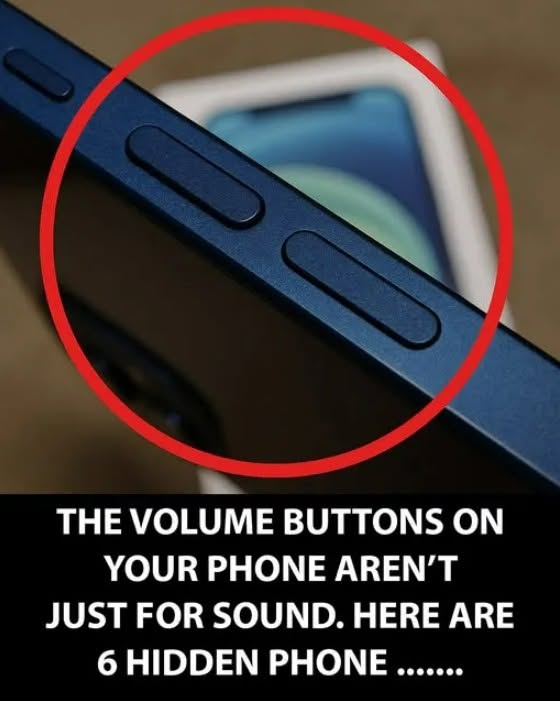

Hidden Smartphone Tricks You Probably Didn’t Know You Could Use
Your smartphone can do much more than make calls, send messages, and browse the internet. Many useful features are tucked away in settings or built into everyday apps.
1. Scan Documents With Your Phone
Most modern phones can scan documents using the built-in camera or notes app. This can turn a paper document into a clean digital copy.
2. Copy Text From a Photo
On many phones, you can open a photo containing text and select or copy the words directly. This is useful for addresses, notes, signs, or printed information.
3. Use Your Phone as a Magnifying Glass
The accessibility settings on many smartphones include a magnifier. It can be useful for reading tiny print or examining small objects.
4. Quickly Search Settings
Instead of scrolling through every menu, use the search box inside Settings. Type terms such as “battery,” “screen,” “privacy,” or “notifications” to find the relevant option faster.
5. Share Your Wi-Fi Password
Many phones can share a saved Wi-Fi connection with another compatible device without manually typing the password.
6. Turn on Emergency Features
Look through your phone’s emergency and safety settings. Depending on the device, these may provide emergency calling, medical information, location sharing, or emergency contacts.
7. Set a Custom Timer for Media
A sleep timer can automatically stop music, podcasts, or other audio after a set period, depending on your phone and app.
8. Use Voice Commands
Built-in voice assistants can set alarms, create reminders, send messages, start timers, and perform searches without typing.
9. Find Your Phone Quickly
Enable the phone’s built-in device-finding service. If you misplace it, you may be able to make it ring or locate it from another device.
10. Take a Screenshot of a Long Page
Some Android phones and apps offer a scrolling screenshot option, allowing you to capture more than what is currently visible on the screen.
Tip: Smartphone features vary between iPhone and Android models, and some options depend on your software version. Check your phone’s Settings and accessibility menus—you may find several useful features you have never tried.