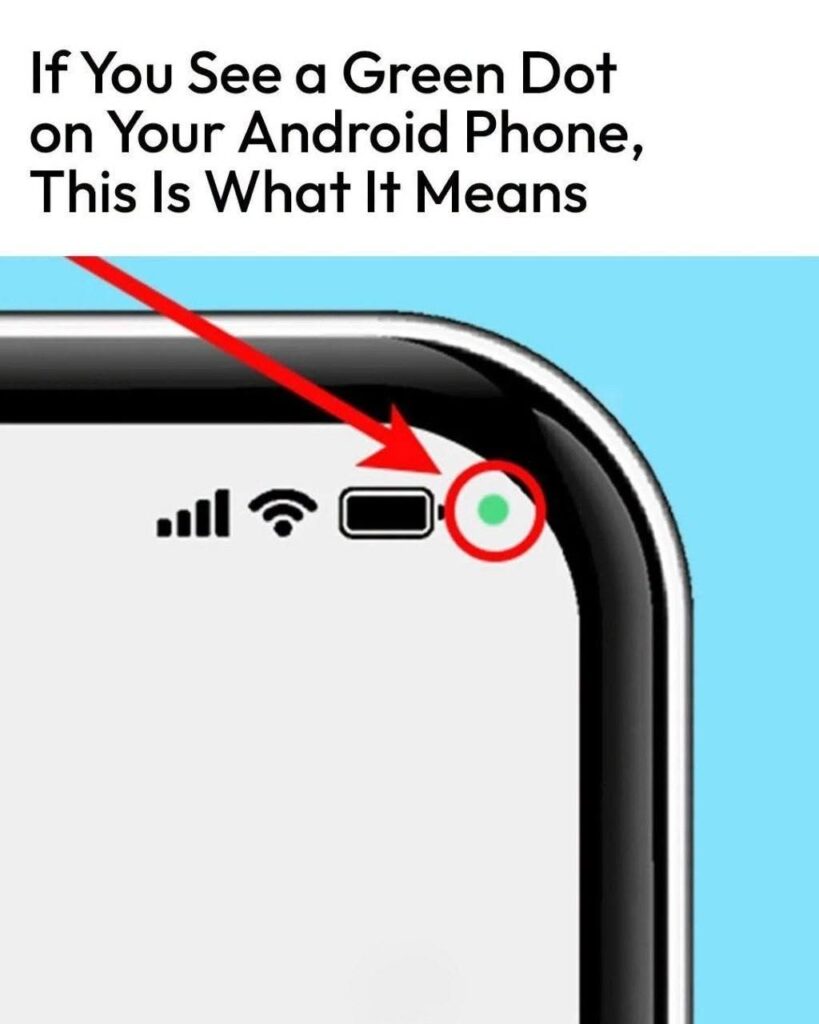

🟢 What Does the Green Dot on Your Android Phone Mean?
If you suddenly notice a green dot in the upper-right corner of your Android screen, there’s usually no reason to panic. It’s a privacy indicator that lets you know when an app is accessing your phone’s camera or microphone.
📷 What Does the Green Dot Mean?
On many Android phones, the green indicator appears when an app is using:
-
Camera — for taking photos, recording video, or video calls.
-
Microphone — for recording audio, voice calls, voice assistants, or other audio features.
-
Camera and microphone together — such as during a video call.
The exact appearance and behavior can vary depending on your Android version and phone manufacturer.
🔍 How to Find Out Which App Is Using It
When the green dot appears, swipe down from the top of your screen to open Quick Settings or notifications. On supported Android versions, tapping the privacy indicator can show which app or service recently accessed the camera or microphone.
⚙️ What If You Don’t Recognize the App?
If an unfamiliar app appears to be accessing your camera or microphone:
-
Open Settings.
-
Go to Privacy or Security & privacy.
-
Select Privacy dashboard or Permission manager.
-
Check the Camera and Microphone permissions.
-
Remove permissions from apps that don’t need them.
🛡️ Why Is This Feature Important?
The green dot is designed to give you greater visibility and control over sensitive permissions. Instead of an app accessing your camera or microphone completely invisibly, your phone provides a visual notification.
Bottom line: 🟢 The green dot usually means your camera or microphone is currently being accessed. It’s a privacy feature—not, by itself, evidence that your phone has been hacked.